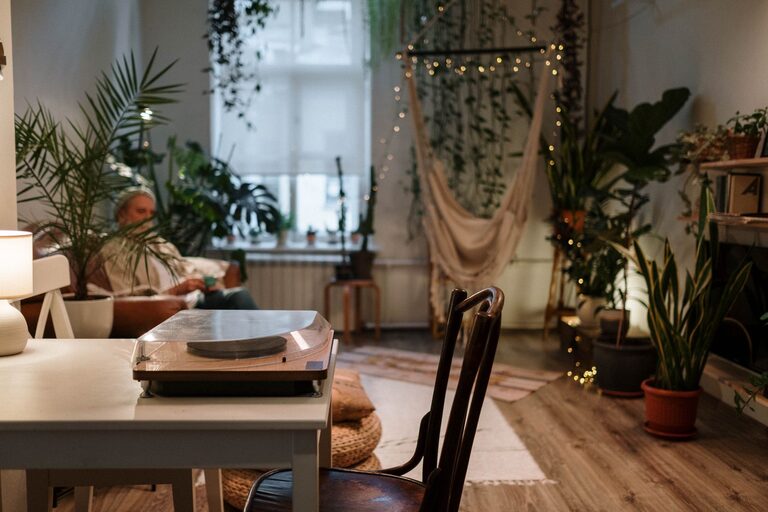

Creating a clutter-free workspace at home is key to staying focused, productive, and motivated throughout your workday. When your desk and surrounding area are neat and organized, it becomes easier to locate tools and documents, reduce stress, and maintain a sense of control. Whether you work remotely full-time or just occasionally, setting up and maintaining a clean workspace can improve your overall experience.
In this post, you’ll find practical tips and strategies to help you organize your home workspace effectively. From setting up the ideal layout to daily maintenance habits, these ideas will help create a clutter-free environment tailored to your needs.
Why a Clutter-Free Workspace Matters
Having a workspace free of clutter doesn’t just look better — it also supports better concentration and workflow. When your surroundings are neat:
– You waste less time searching for items.
– You can focus on your tasks without distractions.
– Your stress levels tend to decrease.
– You create a professional environment, even at home.
With many people balancing work alongside family life, organizing your workspace is an important step toward separating your professional and personal activities.
Assess and Declutter Your Existing Space
Before you jump into organizing, take a moment to assess what you currently have.
- **Clear everything off your desk**: Start fresh by removing all items from your workspace.
- **Sort through your belongings**: Categorize everything into keep, donate, or discard piles.
- **Evaluate necessities**: Keep only that which is essential or regularly used for your work.
- **Eliminate duplicates**: Having multiple versions of the same supplies or gadgets just adds clutter.
- **Consider storage needs**: Determine what type of storage works best for the items you want to keep.
This initial decluttering process helps you understand what you really need and frees up space for a clean setup.
Designate Functional Zones
Organizing your workspace around specific functions can improve efficiency. Consider dividing the area into zones such as:
– Work Zone: The main desk area where your computer, keyboard, and essential tools remain.
– Reference Zone: Shelves or filing systems for documents, books, or notes you often consult.
– Supply Zone: Drawers or containers for office supplies like pens, paperclips, or sticky notes.
– In/Out Zone: A spot for incoming and outgoing paperwork or tasks that need attention.
Clearly defining where items belong reduces the chances of clutter accumulating and helps you quickly put things away.
Use Smart Storage Solutions
Choosing the right storage can make or break your organization efforts. Here are some options to consider:
Containers and Drawers
Keep small office supplies organized using:
– Drawer dividers for pens, clips, or USB drives.
– Small clear containers or jars for easy visibility.
– Stackable trays for sorting papers and mail.
Shelving and Cabinets
Maximize vertical space with:
– Wall shelves to store books and files.
– Closed cabinets for a clean look and to hide clutter.
– File organizers to keep documents tidy and accessible.
Digital Organization
Physical clutter often builds up from printed materials. Where possible, digitize notes or documents and use cloud storage. This can significantly reduce paper piles.
Maintain Cable Management
Cables and chargers can quickly create a messy look. Simple cable management tactics include:
– Using cable clips or ties to bundle cords.
– Labeling cords for easy identification.
– Concealing cables in a cable box or under-desk trays.
Keeping cables organized helps maintain tidiness and prevents tangles or damage.
Personalize Without Cluttering
A workspace should be inviting but not overwhelming. Personal touches such as a plant, framed photo, or motivational quote can boost your mood. Limit decorative items to a few favorites that don’t occupy valuable work surface space.
Adopt Daily Habits to Stay Organized
Organizing your workspace once is not enough; regular maintenance is key.
– End-of-day tidy-up: Spend 5 minutes clearing your desk and filing papers before finishing work.
– Inbox and task review: Regularly sort and clear your paperwork and digital inboxes.
– Weekly deep clean: Dust surfaces, wipe your keyboard, and discard unnecessary items weekly.
– One in, one out rule: For every new item, consider removing something you no longer need.
These habits help keep clutter from building up over time.
Optimize Lighting and Ergonomics
An organized workspace isn’t just about clutter—comfort and lighting impact your productivity too.
– Position your desk near a window to benefit from natural light.
– Use adjustable task lighting to reduce eye strain.
– Arrange your chair and monitor for proper posture.
– Keep frequently used items within arm’s reach to avoid overreaching or distractions.
Final Thoughts
Organizing your home workspace requires some purposeful planning but brings lasting benefits. By decluttering regularly, investing in smart storage, and maintaining good habits, you can create a clean, inviting area that supports your productivity and wellbeing.
Remember, a clutter-free workspace is a foundation for clarity and creativity. Take the time to tailor your space to your workflow and personal style, and enjoy the positive impact on your work-from-home experience.
About the Author